Kikiku PDF
Write on a PDF from your phone
When someone sends a PDF to your phone and asks for a quick name, date, or answer, use the browser. No desktop app is needed for a small text edit.
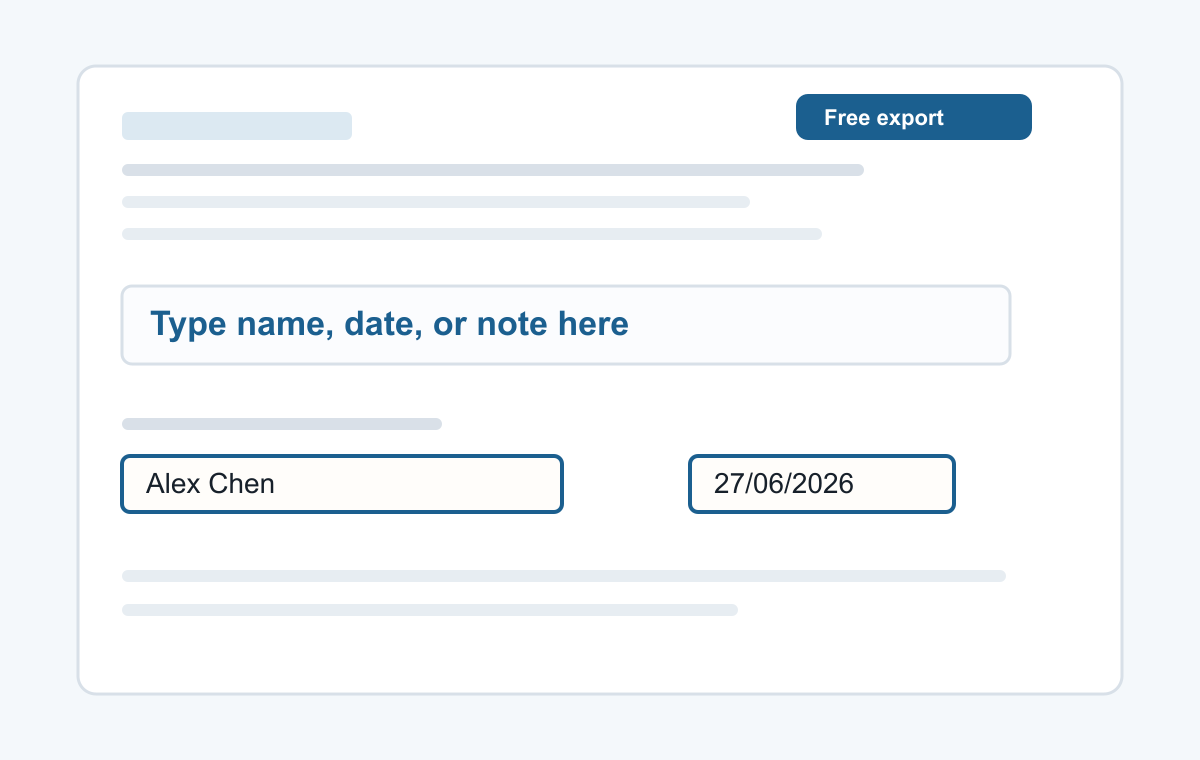
How it works
- Open the tool in your phone browser.
- Choose the PDF from Files or downloads.
- Tap the page and type.
Mobile-first PDF typing
The tool keeps the workflow short: open a PDF, tap the page, type, and export. That is enough for many phone-based PDF tasks.
- Typing a name
- Adding a date
- Typed signatures
- Short notes
- Filling non-clickable PDF forms
Common questions
Does it work on iPhone?
Yes. Use Safari or another modern browser.
Does it work on Android?
Yes. Use Chrome or another modern browser.