Kikiku PDF
Write on a PDF without paying at export
Most people do not need a full PDF editor. They need to write one word, a date, a name, or a short answer. Kikiku PDF is built for that exact small edit.
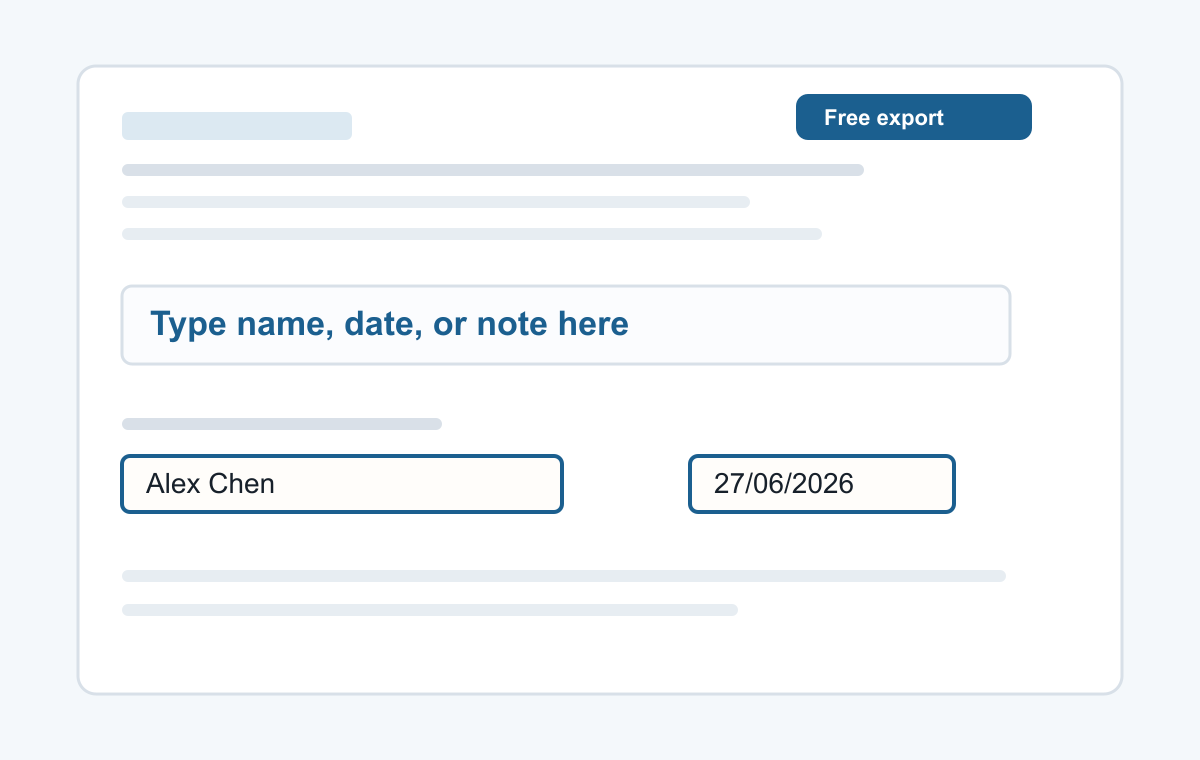
How it works
- Open a PDF file.
- Click the page and type.
- Download the edited PDF.
What you can do
Add text anywhere on a PDF page, change text color and size, move or delete text before exporting, and download the edited file without a watermark.
- Typing a name
- Adding a date
- Typed signatures
- Short notes
- Filling non-clickable PDF forms
Common questions
Is this for editing existing PDF text?
It is focused on adding new text boxes on top of the PDF.
Can I use it on my phone?
Yes. It is designed to work from a phone browser for simple text edits.