Kikiku PDF
Add text to a PDF for free
Need to type one word, a name, a date, or a short note onto a PDF? Kikiku PDF keeps that job simple: upload the PDF, click the page, type, and export the edited file without a subscription screen or watermark.
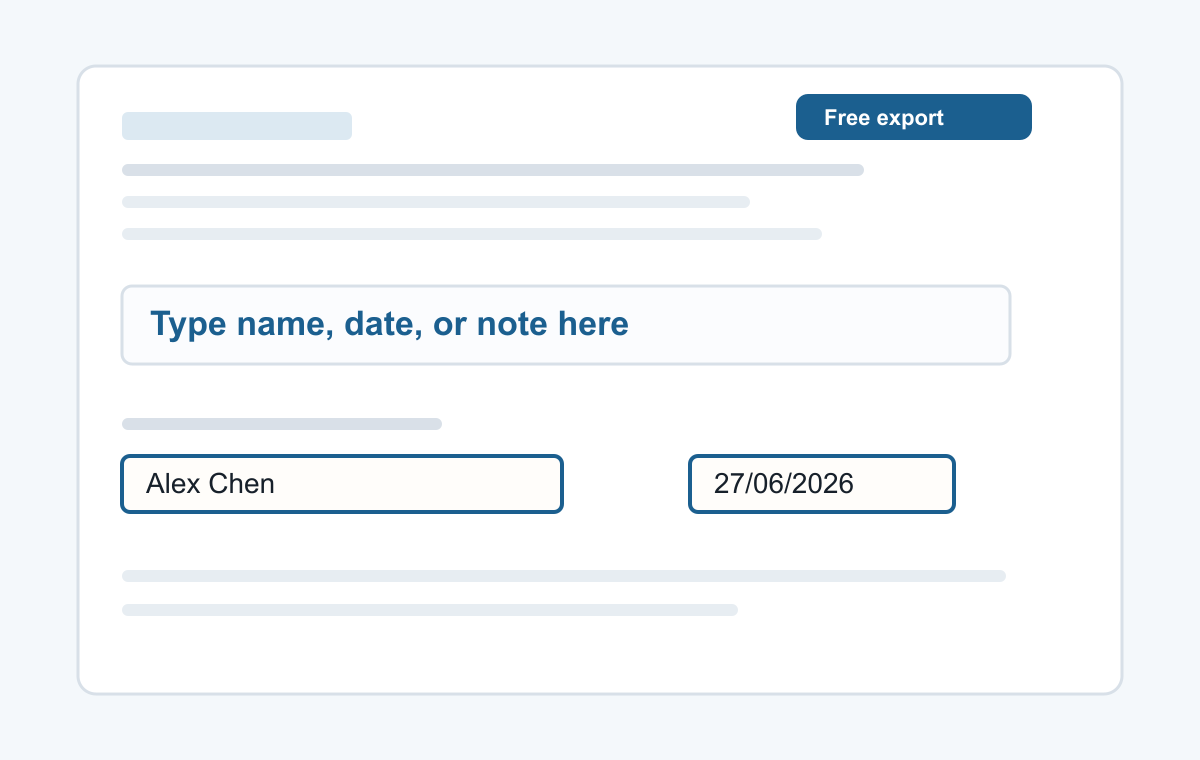
How it works
- Upload your PDF in the browser.
- Click where the text should go and type.
- Export the edited PDF for free.
Best for small PDF edits
This is not a heavy desktop PDF suite. It is for the common moment when you only need to add text to a PDF form, write a short answer, or place a typed signature before sending the file back.
- Typing a name
- Adding a date
- Typed signatures
- Short notes
- Filling non-clickable PDF forms
Common questions
Can I add text without making an account?
Yes. Open the tool, upload the PDF, type on the page, and export.
Will the exported PDF have a watermark?
No. The simple text export is free and has no watermark.