Kikiku PDF
Sign a PDF for free with typed text
If a form only needs your typed name, initials, or a simple typed signature, you should not need paid PDF software. Add the text to the PDF and export the edited file for free.
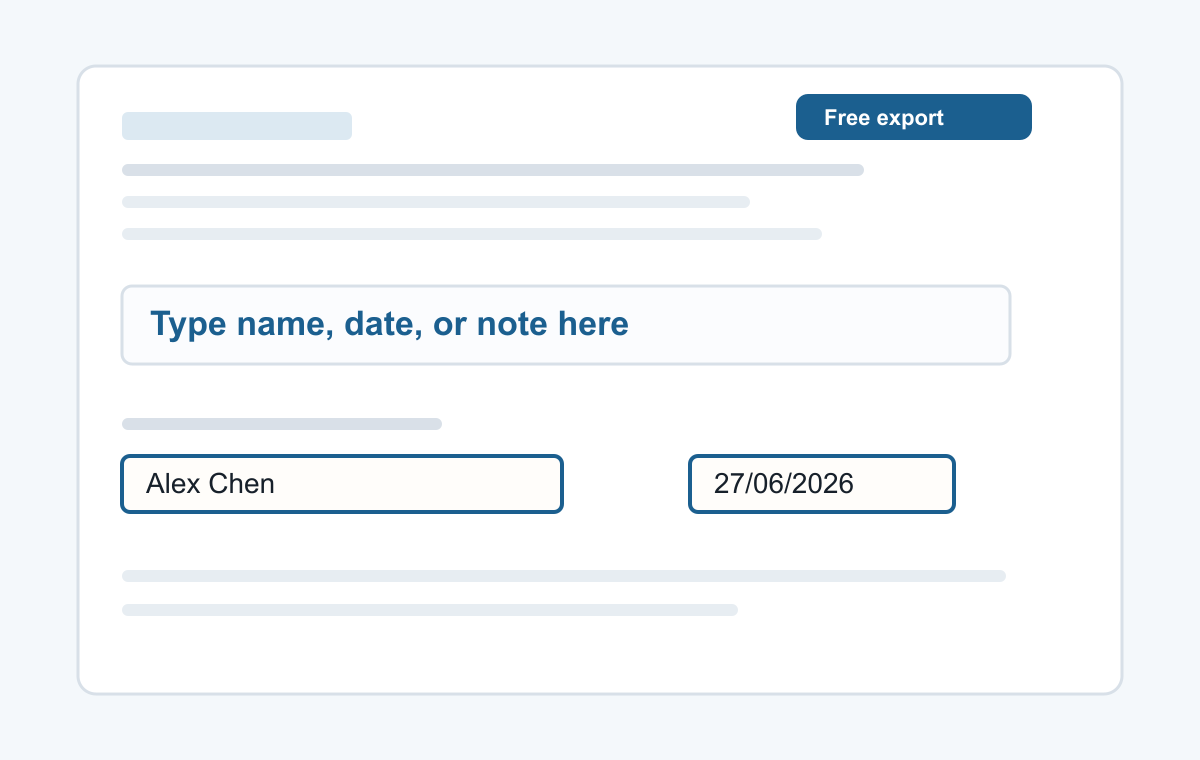
How it works
- Upload the PDF.
- Type your name or signature where it belongs.
- Export the signed copy.
Good for simple signatures
Use this for typed signatures, names, dates, short notes, and PDF forms. For regulated electronic signatures, use the process required by the organization asking for the signature.
- Typing a name
- Adding a date
- Typed signatures
- Short notes
- Filling non-clickable PDF forms
Common questions
Is this a legal e-signature platform?
No. It is a simple PDF text tool for typed names and short signatures.
Can I add initials too?
Yes. Use the text tool and place initials anywhere on the page.