Kikiku PDF
Add a date to a PDF
When a PDF form asks for a date, you should not need a paid PDF editor. Add the date as text, place it on the form, and export the edited PDF.
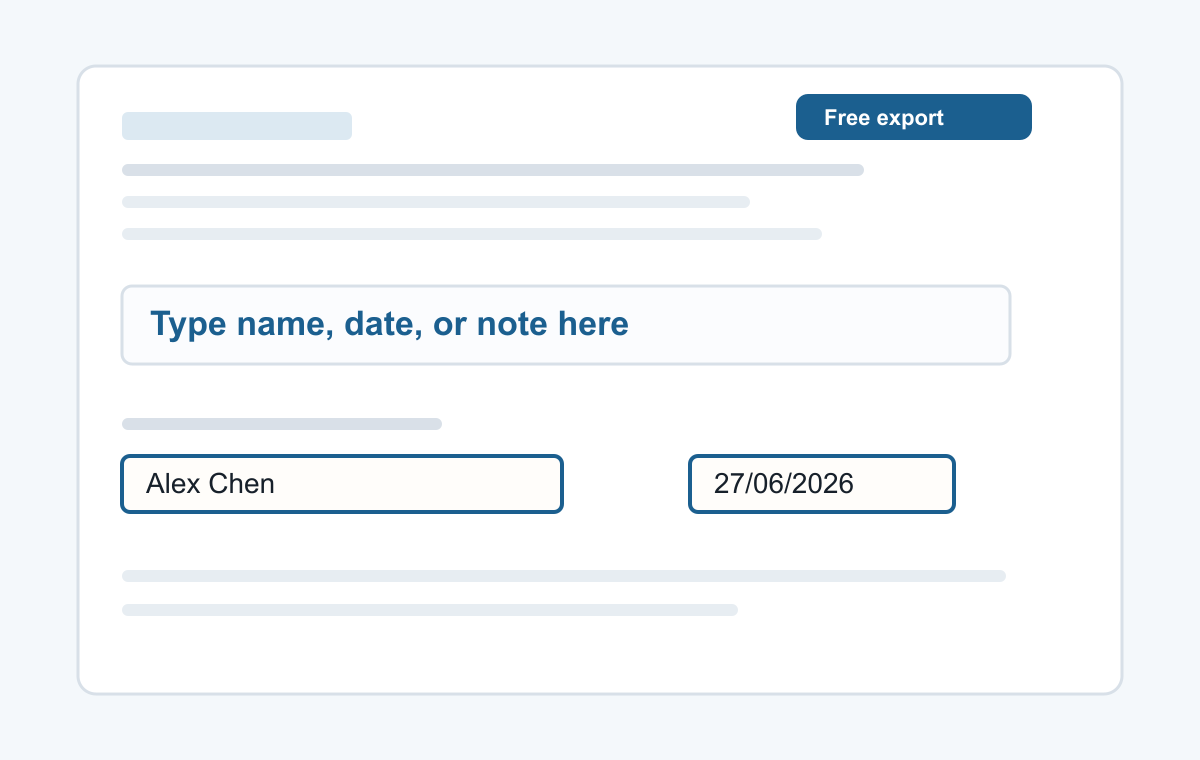
How it works
- Upload the PDF.
- Click the date field or blank line.
- Type the date and download.
Useful for forms and confirmations
This page is for the common job of typing a date onto a PDF: today's date, a deadline, a birth date, or a signed-on date.
- Typing a name
- Adding a date
- Typed signatures
- Short notes
- Filling non-clickable PDF forms
Common questions
Can I use different date formats?
Yes. Type the date exactly as the form requires.
Does it work for scanned PDFs?
Yes. You can add text on top of a scanned PDF page.