Kikiku PDF
Type your name on a PDF
A lot of PDFs only need one missing name. Upload the file, click the name line, type your name, and export a clean edited PDF without installing anything.
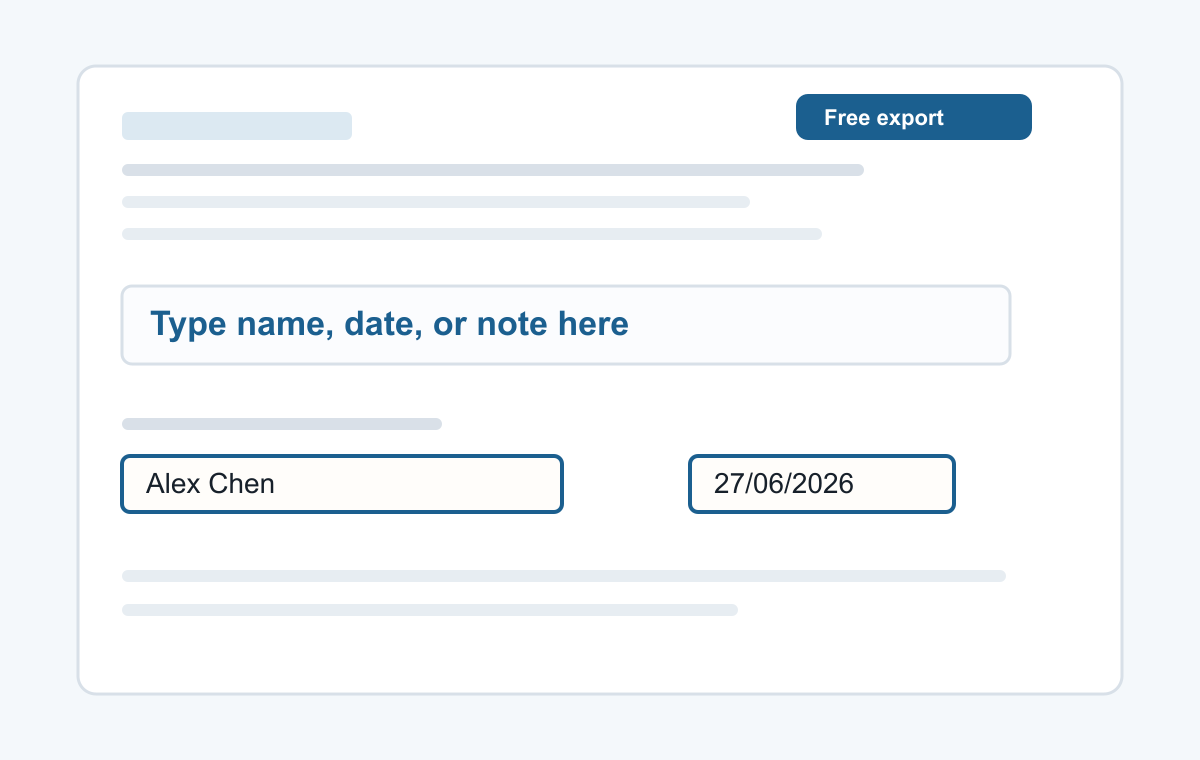
How it works
- Upload the PDF form.
- Click the blank name line.
- Type your name and export.
For forms that only need a name
Use it for application forms, school documents, confirmation letters, simple contracts, or any PDF where you just need to place your name in the right spot.
- Typing a name
- Adding a date
- Typed signatures
- Short notes
- Filling non-clickable PDF forms
Common questions
Can I move the name after typing?
Yes. Select the text and drag it into place.
Can I change the font size?
Yes. Use the font size control before exporting.