Kikiku PDF
Type on a PDF for free
When a PDF needs a small answer, a name, a date, or a typed signature, use a focused typing tool instead of a heavy editor.
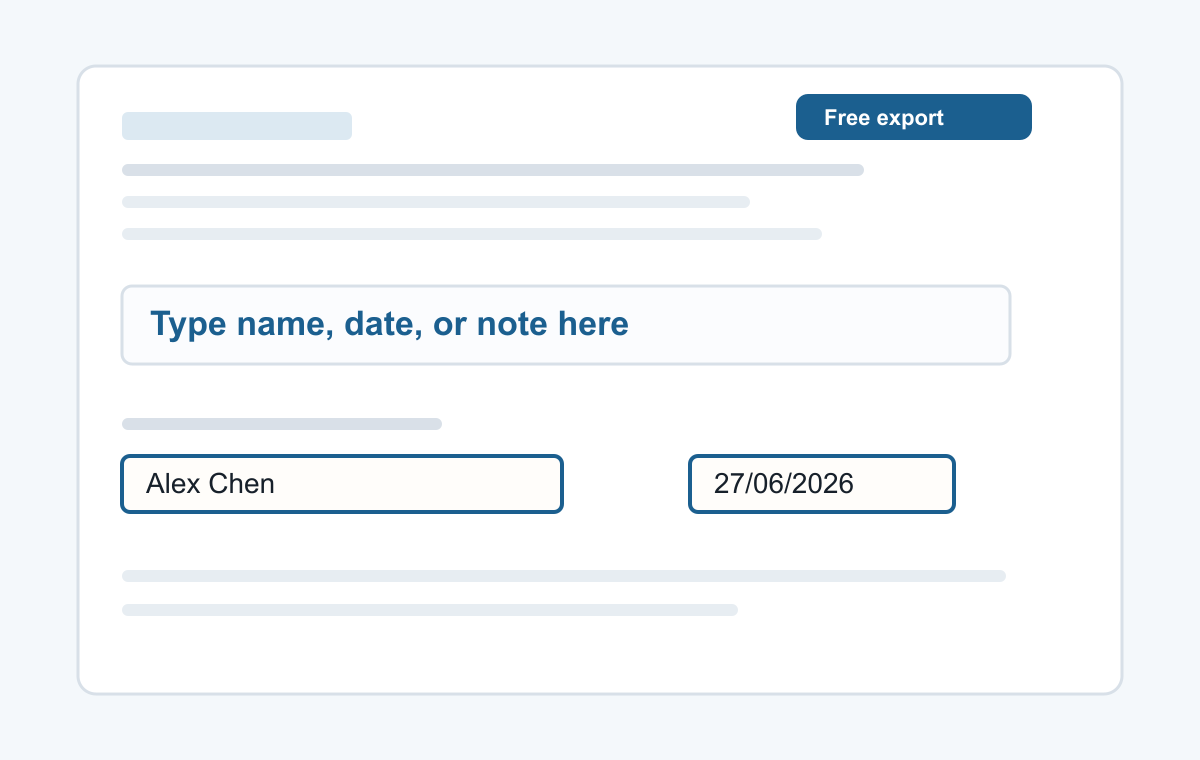
How it works
- Upload a PDF.
- Click where you want to type.
- Export the edited PDF.
For quick typing on PDF pages
Click anywhere on the page to add text, then adjust the size or color and move the text box before exporting.
- Typing a name
- Adding a date
- Typed signatures
- Short notes
- Filling non-clickable PDF forms
Common questions
Can I type on scanned PDFs?
Yes. The text is placed on top of the PDF page.
Can I type multiple answers?
Yes. Add more text boxes wherever the form needs them.