Kikiku PDF
Sign a PDF with a typed name
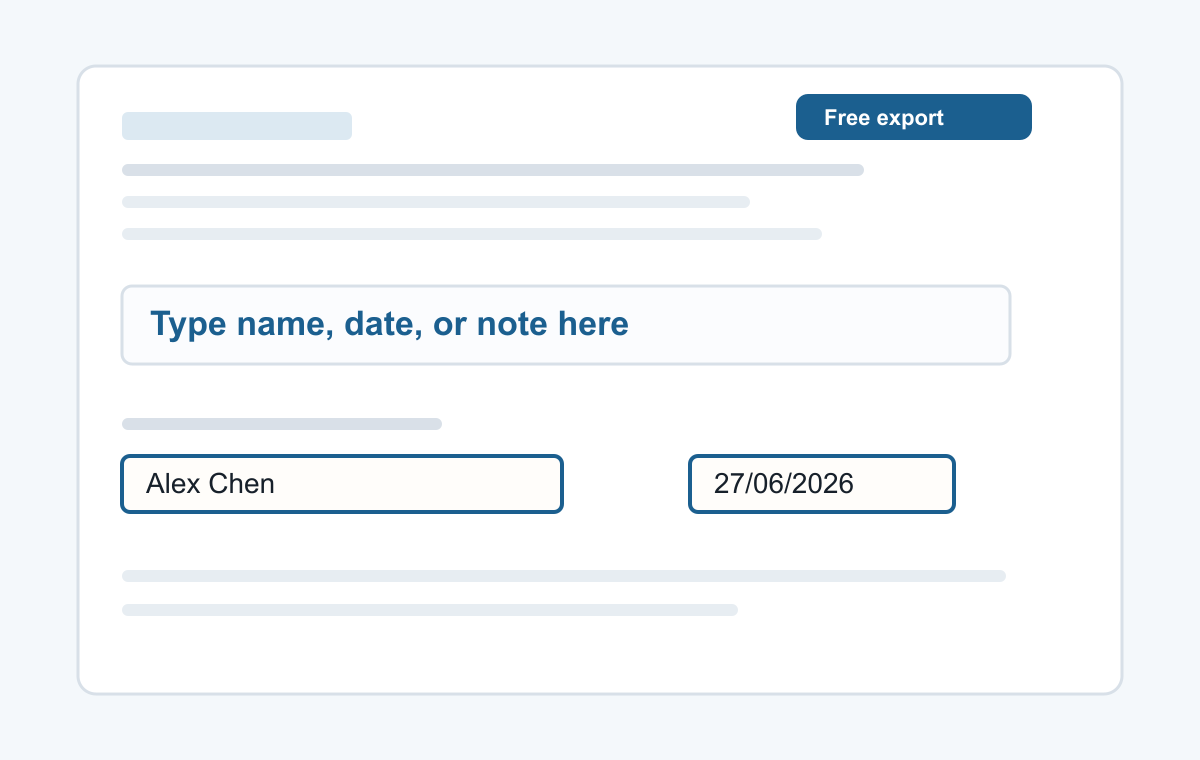
For simple forms, a typed name is often enough. Put your name on the signature line, add the date if needed, and export the PDF.
How it works
- Upload the PDF.
- Click the signature line.
- Type your name and export.
Simple typed signatures
This is for typed names and typed signatures. If your organization requires a certified e-signature, follow their requested signing process.
- Typing a name
- Adding a date
- Typed signatures
- Short notes
- Filling non-clickable PDF forms
Common questions
Can I add both name and date?
Yes. Add one text box for the name and another for the date.
Is there a watermark?
No. The exported PDF has no watermark.