Kikiku PDF
PDF form filler with no signup
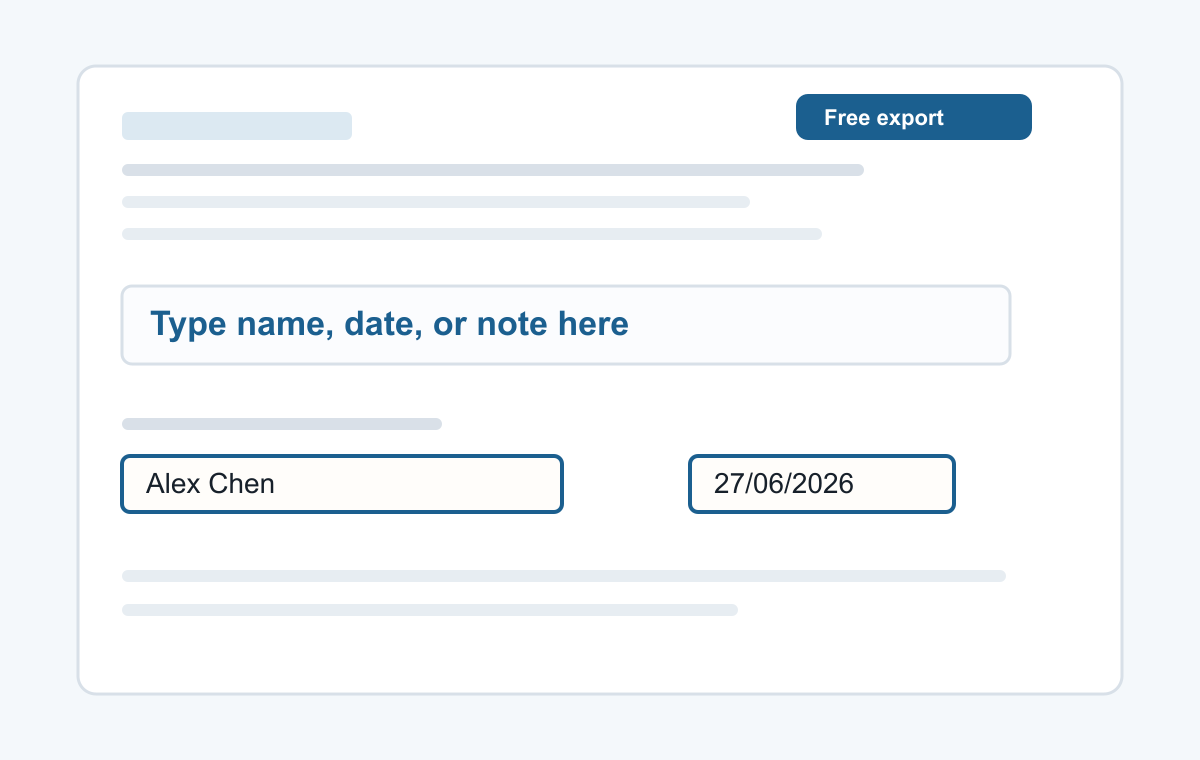
If a PDF form does not let you click into its fields, add your answers as text boxes and place them over the blanks.
How it works
- Upload the PDF form.
- Click each blank area.
- Type answers and export.
Simple form filling without an account
Use it for static forms where you need to type a name, date, address, short answer, initials, or typed signature.
- Typing a name
- Adding a date
- Typed signatures
- Short notes
- Filling non-clickable PDF forms
Common questions
Will it create form fields?
No. It places visible text on the PDF page.
Can I export for free?
Yes. The simple text export has no watermark.