Kikiku PDF
Free PDF typing tool
If your PDF task is just typing a few words, use a tool built around that exact workflow instead of a full document suite.
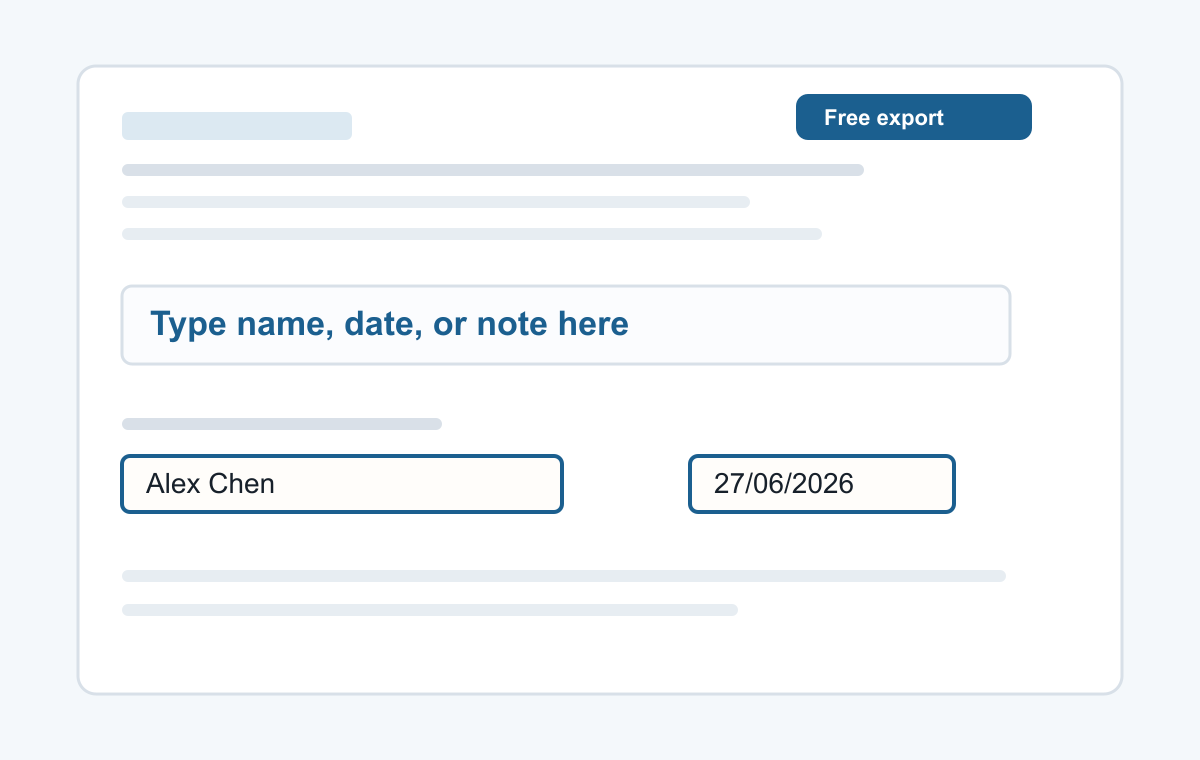
How it works
- Upload a PDF.
- Use the text tool.
- Save the edited PDF.
Built for typing on PDFs
The interface stays focused on the T tool: place text, adjust size or color, move it into position, and export.
- Typing a name
- Adding a date
- Typed signatures
- Short notes
- Filling non-clickable PDF forms
Common questions
Can I type anywhere on the page?
Yes. Click where you want the text to appear.
Can I delete text I added?
Yes. Select it and delete it before exporting.