Kikiku PDF
Free PDF editor with no signup
If all you need is to type a few words on a PDF, creating an account should not be part of the job. Open the PDF, add text, and export the edited file without signing up.
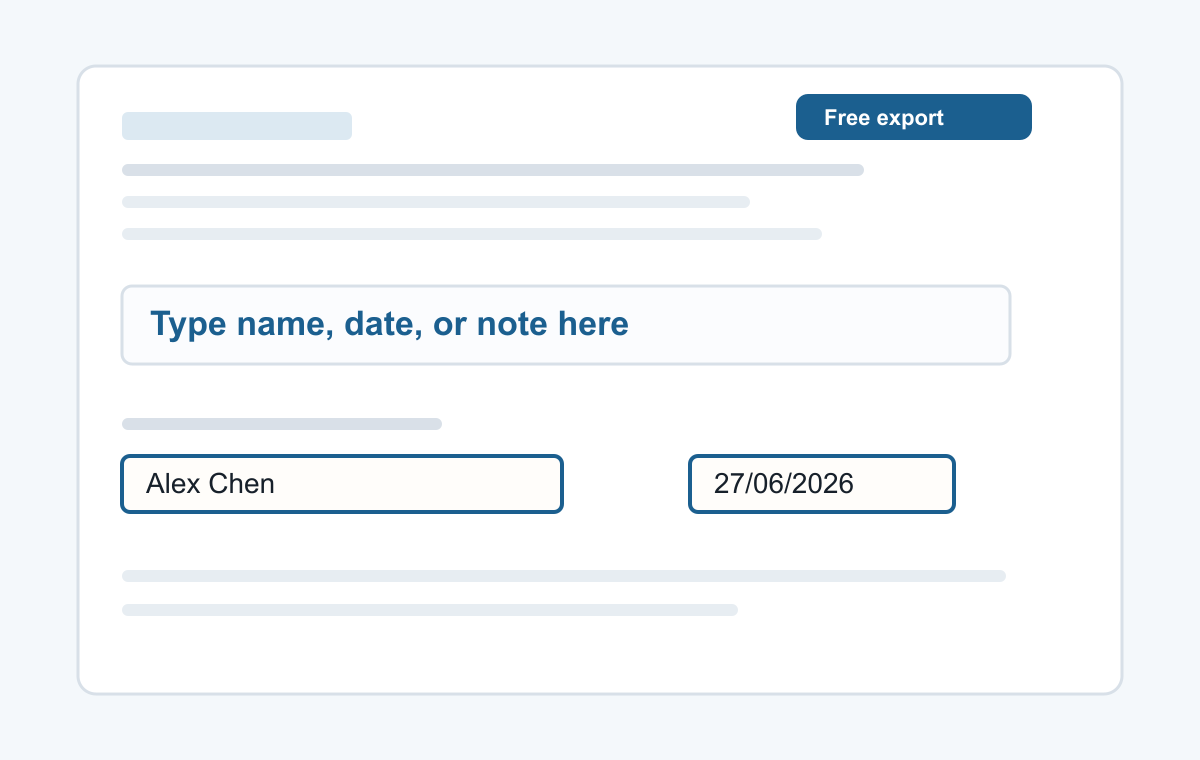
How it works
- Open the PDF tool.
- Choose your PDF file.
- Click the page, type, and export.
No account for small PDF edits
This page is focused on quick text edits: names, dates, initials, typed signatures, short notes, and answers on non-fillable PDF forms.
- Typing a name
- Adding a date
- Typed signatures
- Short notes
- Filling non-clickable PDF forms
Common questions
Do I need to create an account?
No. The simple text editing workflow does not require signup.
What can I edit?
You can add new text boxes on top of the PDF and export the result.