Kikiku PDF
Fill out a PDF with text
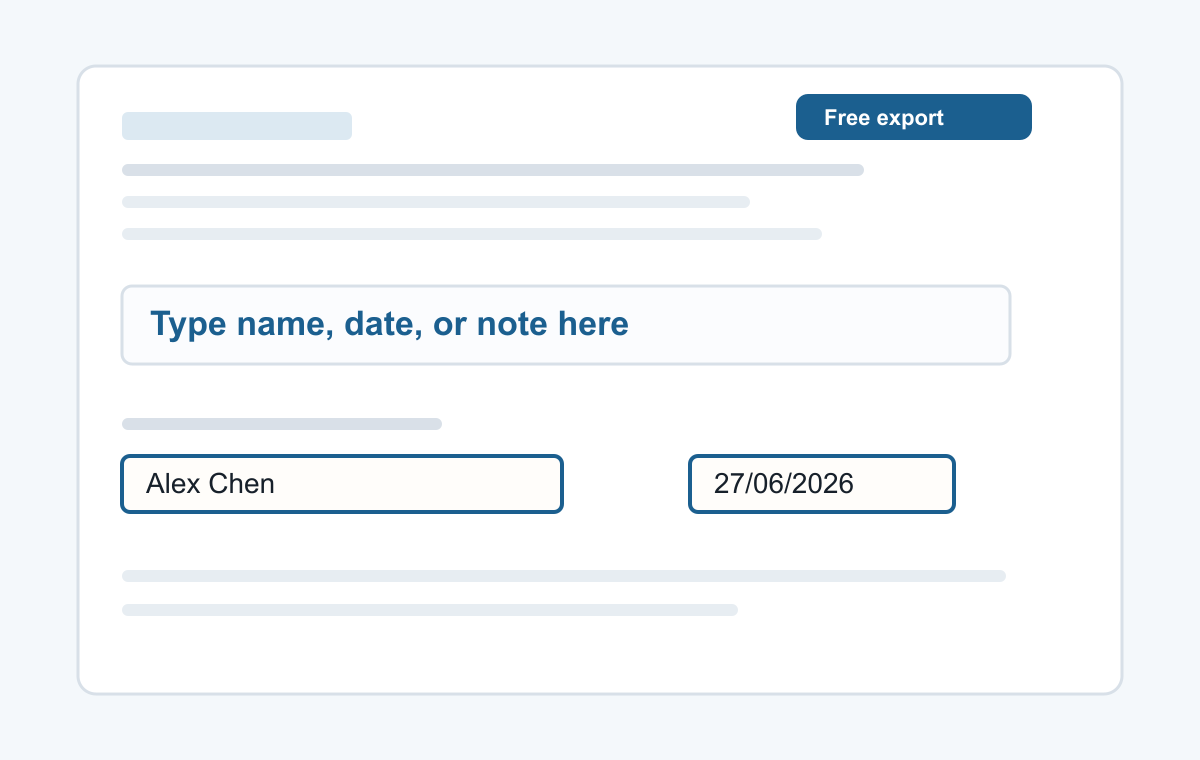
Some PDFs look like forms but do not have real fields. Add text boxes over the blanks and place each answer exactly where it belongs.
How it works
- Upload the PDF form.
- Click each field and type.
- Export the completed PDF.
For forms that are not fillable
Use this for names, addresses, dates, check-in notes, short responses, and other text fields on static PDF forms.
- Typing a name
- Adding a date
- Typed signatures
- Short notes
- Filling non-clickable PDF forms
Common questions
Does the form need clickable fields?
No. You can type over a static PDF page.
Can I fill several pages?
Yes. Add text to each page as needed.