Kikiku PDF
Add text to a scanned PDF
A scanned PDF is often just an image, so normal form fields do not work. Place text on top of the scanned page and export a usable edited copy.
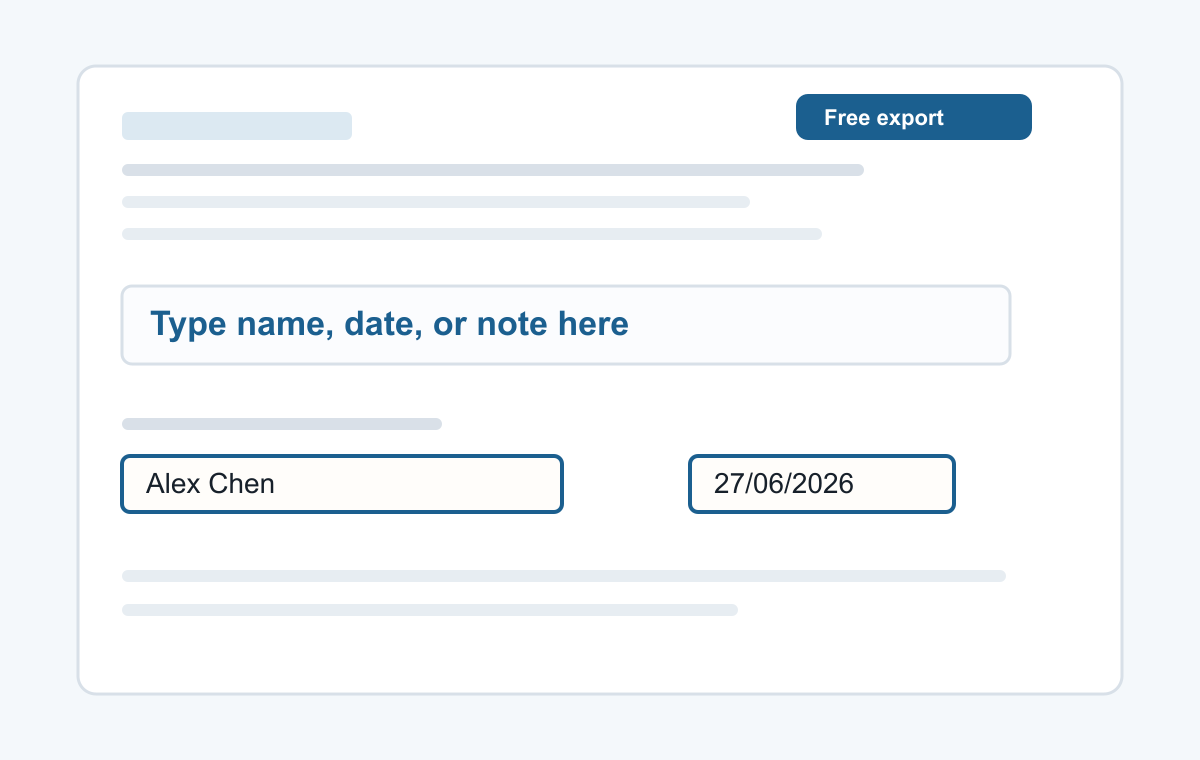
How it works
- Upload the scanned PDF.
- Click where the text should appear.
- Type and export.
Works over image-based pages
Use it for scanned forms, letters, applications, and documents where you only need to add a few typed words.
- Typing a name
- Adding a date
- Typed signatures
- Short notes
- Filling non-clickable PDF forms
Common questions
Does this run OCR?
No. It adds new text on top of the scanned page.
Can I place text precisely?
Yes. Add the text and drag it into position.