Kikiku PDF
Add text to a PDF with no signup
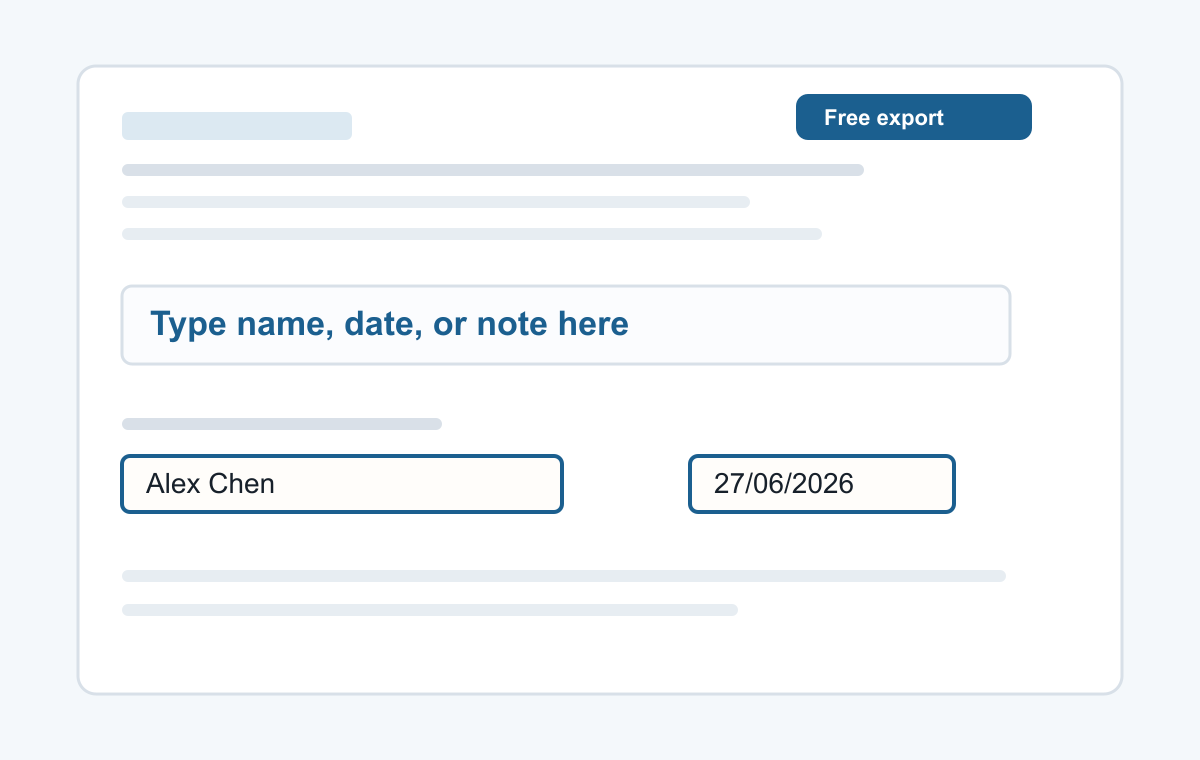
A PDF that only needs one name or date should not require an account. Use the text tool, place the words where they belong, and export the edited PDF.
How it works
- Choose a PDF.
- Click the blank spot.
- Type your text and export.
Fast PDF text placement
This is for the common workflow of placing new text over a PDF page, especially when a form is not actually fillable.
- Typing a name
- Adding a date
- Typed signatures
- Short notes
- Filling non-clickable PDF forms
Common questions
Can I use it without login?
Yes. No login is required for the basic text edit.
Can I move the text?
Yes. Select the text box and drag it into position.