Kikiku PDF
Add initials to a PDF
Initial boxes are often the only thing missing from a PDF. Add typed initials to the right places and export a clean copy.
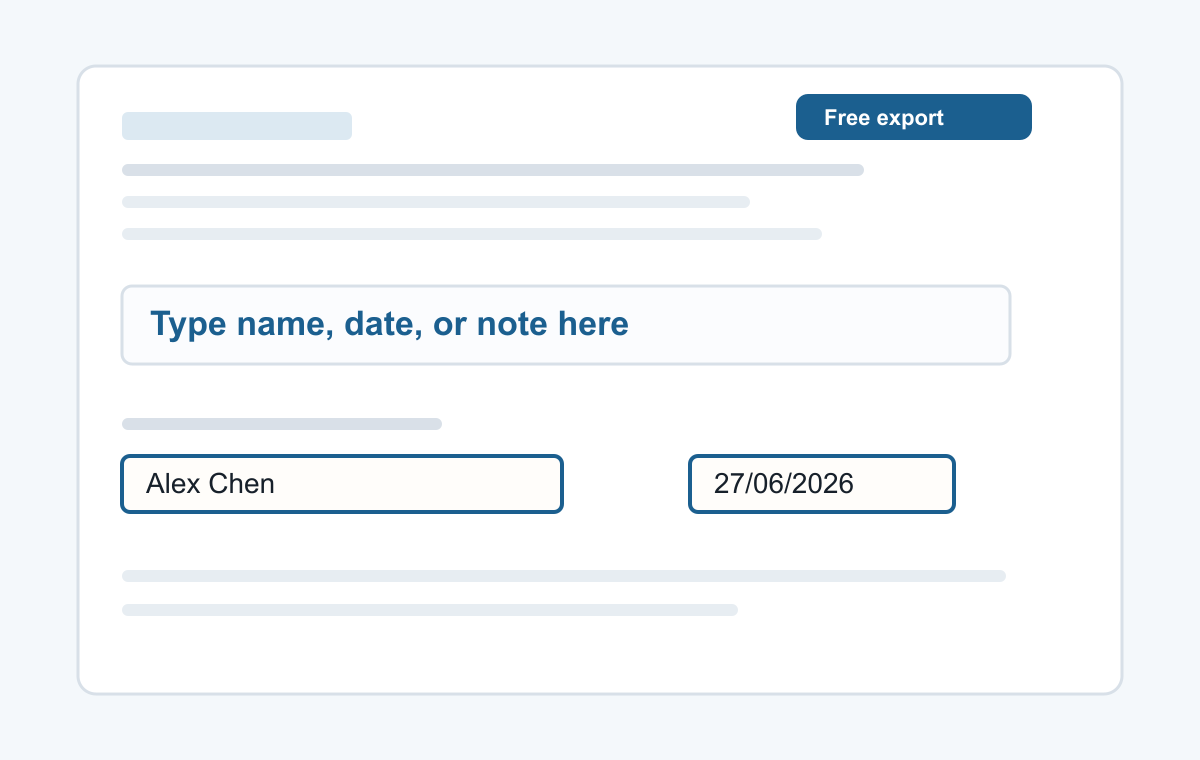
How it works
- Upload the document.
- Click near the initials box.
- Type initials and repeat if needed.
For contract and form initials
Use it when a document asks for initials at the bottom of a page, beside a clause, or next to a confirmation line.
- Typing a name
- Adding a date
- Typed signatures
- Short notes
- Filling non-clickable PDF forms
Common questions
Can I copy the same initials across pages?
You can add the same text on each page where initials are needed.
Can I make initials smaller?
Yes. Adjust the font size before placing or after selecting the text.